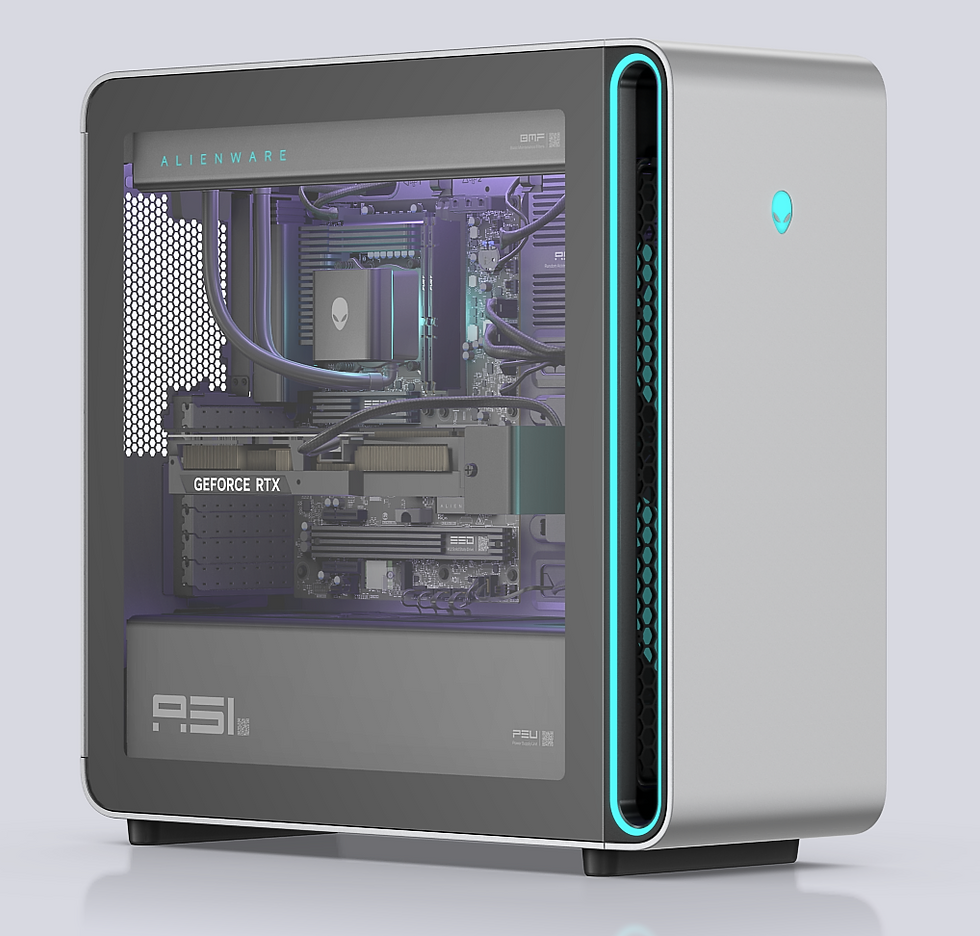
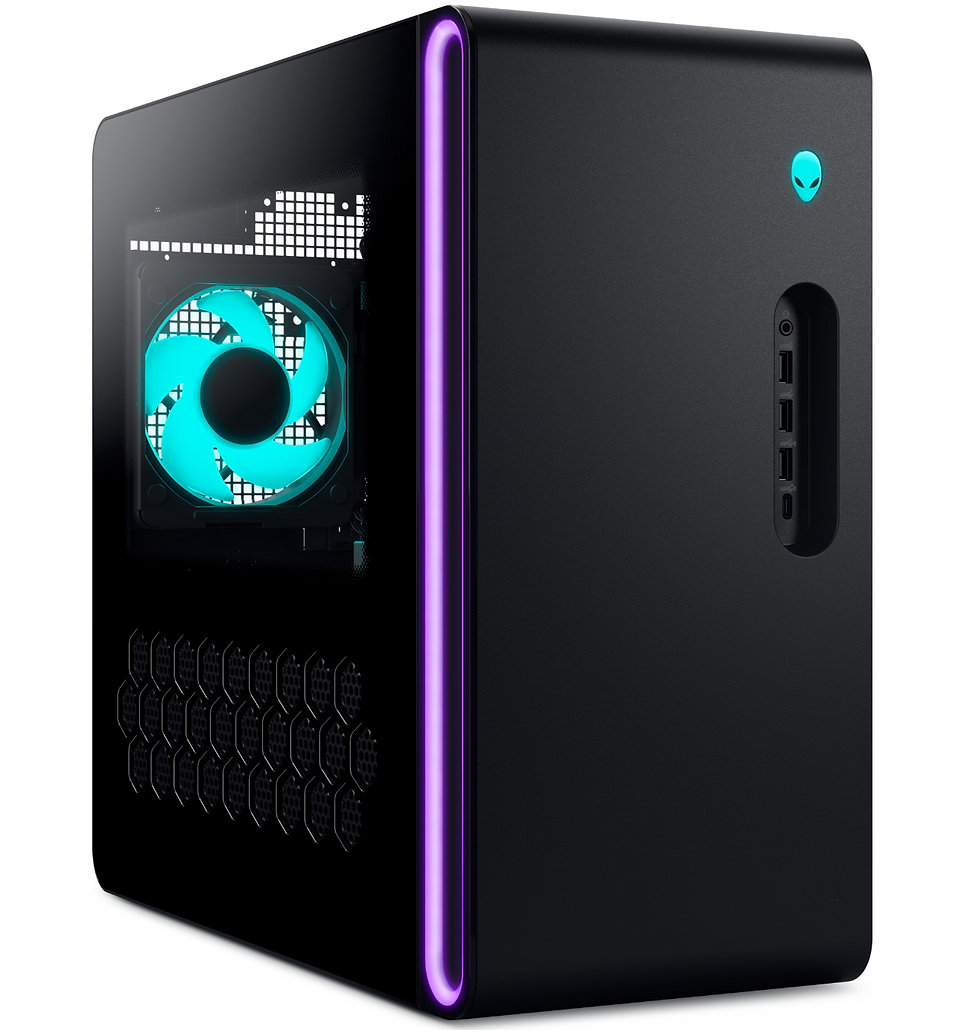
Alienware Aurora ACT1250
Alienware Aurora ACT1250 מחשב גיימינג חזק עם מעבד Intel ו-GPU גרפיקה עוצמתית, מעוצב למשחקים ברזולוציה גבוהה ויישומים דורשי ביצועים. מושקע לשחקנים שמחפשים ביצועים יציבים בעלויות תחזוקה נמוכות.


Alienware Aurora ACT1250
SKU: AL-RD33-16889
₪21,690.00Price
מפרט טכני
מאפיין ערך דגם Alienware Aurora ACT1250 AL-RD33-16889 יצרן Dell מעבד Intel(R) Core(TM) Ultra 7 processor 265KF (20-Core, 66MB Total Cache, 3.3GHz to 5.5GHz) נפח זיכרון 32GB Dual Channel DDR5 (2x 16GB – Green) 5200 MT/s חריצי זיכרון פנויים 0 תמיכה בזיכרון מקסימלי 64GB גודל דיסק 1TB NVMe M.2 PCIe SSD (Boot) + 2TB NVMe M.2 PCIe SSD (Storage) כרטיס מסך NVIDIA(R) GeForce RTX(TM) 5070 Ti 16GB GDDR7 Bluetooth Intel Wi-Fi 7 BE200 (2×2) 802.11ax Wireless LAN and Bluetooth Wireless Intel Wi-Fi 7 BE200 (2×2) 802.11ax Wireless LAN and Bluetooth CHIPSET Intel Z890 יציאות USB קדמיות 2 USB 3.2 Gen 1 (5 Gbps) ports 1 USB 3.2 Gen 1 (5 Gbps) port with PowerShare 1 USB 3.2 Gen 2 (10 Gbps) Type-C port with PowerShare יציאות USB אחוריות 1 USB4 20 Gbps Type-C port with Power Delivery 1 USB 3.2 Gen 2 (10 Gbps) Type-C port 2 USB 3.2 Gen 1 (5 Gbps) ports 2 USB 2.0 (480 Mbps) ports with Smart Power On DisplayPort 3 DisplayPort 2.1b ports HDMI 1 HDMI 2.1b port Audio Out 1 Universal audio jack 1 Optical S/PDIF port 1 Line-in port – 3.5 mm, 2 stack 1 Line-out port – 3.5 mm, 2 stack RJ-45 1 RJ45 ETHERNET PORT (2.5 GBPS) ספק כוח 1000W Platinum Rated PSU, Clear Door & 240mm Liquid Cooler with AlienFX lighting מערכת הפעלה Windows 11 Pro משקל Weight (maximum): 15.37 kg מקלדת Dell Wired Keyboard – KB216 – Hebrew (QWERTY) – Black עכבר Dell Wired Mouse – MS116 – Black משך האחריות שלוש שנים אחריות יצרן באתר הלקוח סוג האחריות Dell 3Yr OnSite Warranty מסמכים
Alienware Aurora ACT1250 Owner's Manual Regulatory Model: D30M Regulatory Type: D30M006 October 2025 Rev. A06 Notes, cautions, and warnings NOTE: A NOTE indicates important information that helps you make better use of your product. CAUTION: A CAUTION indicates either potential damage to hardware or loss of data and tells you how to avoid the problem. WARNING: A WARNING indicates a potential for property damage, personal injury, or death. © 2024-2025 Dell Inc. or its subsidiaries. All rights reserved. Dell Technologies, Dell, and other trademarks are trademarks of Dell Inc. or its subsidiaries. Other trademarks may be trademarks of their respective owners. Contents Chapter 1: Views of Alienware Aurora ACT1250 .................................................................................. 7 Front ...................................................................................................................................................................................... 7 Back ....................................................................................................................................................................................... 9 Back panel ........................................................................................................................................................................... 10 Alienware Aurora ACT1250 lighting zone information .................................................................................................... 12 Locate the Service Tag or Express Service Code label of your computer ....................................................................... 13 Chapter 2: Set up your computer ........................................................................................................... 15 Chapter 3: Specifications of Alienware Aurora ACT1250 ................................................................... 18 Dimensions and weight ....................................................................................................................................................... 18 Processor ............................................................................................................................................................................. 18 Chipset ................................................................................................................................................................................ 19 Operating system ................................................................................................................................................................ 19 Memory ............................................................................................................................................................................... 19 Ports and connectors .......................................................................................................................................................... 20 Ethernet .............................................................................................................................................................................. 20 Wireless module .................................................................................................................................................................. 21 Audio ................................................................................................................................................................................... 21 Storage ................................................................................................................................................................................ 21 Power ratings ...................................................................................................................................................................... 22 Power-supply unit connectors ...................................................................................................................................... 22 Video ................................................................................................................................................................................... 23 Video port resolution .................................................................................................................................................... 23 Graphics card dimensions ............................................................................................................................................. 26 Graphics-card bracket and graphics-card end holder ............................................................................................... 26 Operating and storage environment ................................................................................................................................. 26 Chapter 4: Working inside your computer ........................................................................................... 28 Safety instructions .............................................................................................................................................................. 28 Before working inside your computer ......................................................................................................................... 28 Safety precautions ........................................................................................................................................................ 29 Electrostatic discharge—ESD protection .................................................................................................................... 29 ESD Field Service kit ................................................................................................................................................... 30 Transporting sensitive components ............................................................................................................................... 31 After working inside your computer ............................................................................................................................. 31 Recommended tools ........................................................................................................................................................... 31 Screw list .............................................................................................................................................................................. 31 Major components of Alienware Aurora ACT1250 .......................................................................................................... 32 System-board components ................................................................................................................................................ 35 Chapter 5: Thermal solution matrix ....................................................................................................... 37 Chapter 6: Removing and installing Customer Replaceable Units (CRUs) ......................................... 39 Contents 3 Left-side cover ................................................................................................................................................................... 39 Removing the left-side cover ....................................................................................................................................... 39 Installing the left-side cover ......................................................................................................................................... 40 Right-side cover ................................................................................................................................................................. 40 Removing the right-side cover .................................................................................................................................... 40 Installing the right-side cover ....................................................................................................................................... 41 Front bezel ........................................................................................................................................................................ 42 Removing the front bezel ............................................................................................................................................. 42 Installing the front bezel ............................................................................................................................................... 44 Top cover ............................................................................................................................................................................ 46 Removing the top cover ............................................................................................................................................... 46 Installing the top cover ................................................................................................................................................. 47 3.5-inch hard drive ............................................................................................................................................................ 48 Removing the 3.5-inch hard drive ............................................................................................................................... 48 Installing the 3.5-inch hard drive ................................................................................................................................. 49 Identifying the storage device in Device Manager ..................................................................................................... 51 Identifying the storage device in system setup (BIOS) ............................................................................................... 51 Coin-cell battery ................................................................................................................................................................. 51 Removing the coin-cell battery .................................................................................................................................... 51 Installing the coin-cell battery ...................................................................................................................................... 52 Memory module .................................................................................................................................................................. 53 Removing the memory module ..................................................................................................................................... 53 Installing the memory module ...................................................................................................................................... 54 Single-graphics card .......................................................................................................................................................... 56 Removing the single-graphics card ............................................................................................................................. 56 Installing the single-graphics card ............................................................................................................................... 57 Graphics-card bracket and graphics-card end holder ............................................................................................... 60 Solid State Drive (SSD) ..................................................................................................................................................... 60 Removing the M.2 2230 solid state drive ................................................................................................................... 60 Installing the M.2 2230 solid state drive ...................................................................................................................... 61 Removing the M.2 2280 solid state drive ................................................................................................................... 62 Installing the M.2 2280 solid state drive ..................................................................................................................... 63 Wireless card ...................................................................................................................................................................... 65 Removing the wireless card .......................................................................................................................................... 65 Installing the wireless card ............................................................................................................................................ 66 Lower front-chassis fan ...................................................................................................................................................... 67 Removing the lower front-chassis fan .......................................................................................................................... 67 Installing the lower front-chassis fan ............................................................................................................................ 69 Rear-chassis fan .................................................................................................................................................................. 70 Removing the rear-chassis fan ...................................................................................................................................... 70 Installing the rear-chassis fan ......................................................................................................................................... 71 Top-chassis fan .................................................................................................................................................................... 73 Removing the top-chassis fan ....................................................................................................................................... 73 Installing the top-chassis fan ......................................................................................................................................... 73 Chapter 7: Removing and installing Field Replaceable Units (FRUs) ................................................. 75 Power-supply unit .............................................................................................................................................................. 75 Removing the power-supply unit ................................................................................................................................. 75 Installing the power-supply unit .......................................... …